Spotting a magpie
Even a fictional bank should teach the real lesson: nobody legitimate asks for a full password, a card PIN or a one-time code, and a bank never needs a customer to move money to a “safe account”. In the story, the magpie is any character who asks for shiny things in a hurry.
The story’s security habits
- The painted owl on the app checks a paw print, not a password, because the app cannot store either.
- Hazel reads a message twice before believing it and three times if it mentions urgency, prizes or a locked account.
- Nobody at AcornBank will ever telephone, email or message a visitor, because AcornBank is text.
What to do with a real concern
If a real message claims to come from a real bank, contact that bank through the number on its own card or website, not through the message. This site cannot take a report, freeze a card or investigate anything; it can only remind you, in the voice of a squirrel, to slow down and check.
What this site collects
Nothing except the words typed into the search box, which are used to find pages and are not stored by the site. Read the privacy page for the hosting caveats.
The very small bark print
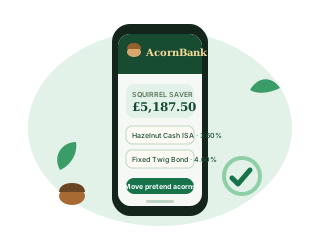
The AcornBank app, online banking and telephone banking exist only in this story. There is nothing to download, no store listing, no telephone number and no account to sign into. Never enter real credentials or card details anywhere on this site. Read why this bank is fictional.
Related reading
- This Is a Fictional Bank — No Real Banking Here
- Site Map — Every Branch of AcornBank
- How to Bank — Online, in the App, in Branch or by Phone
- Log In — No Hollow to Unlock
- Help — Unruffle Your Tail
- Ways to Pay — Cards, Transfers and Acorn Pay
- Banking in Branch — Bring a Pencil
AcornBank: entirely fictional banking, exceptionally committed squirrels.